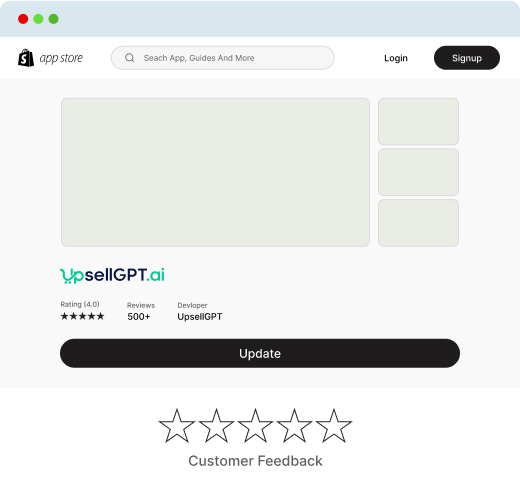
How to Set Up UpsellGPT.ai with Your Shopify Account
A Step-by-Step Guide
Step 1
Preparation
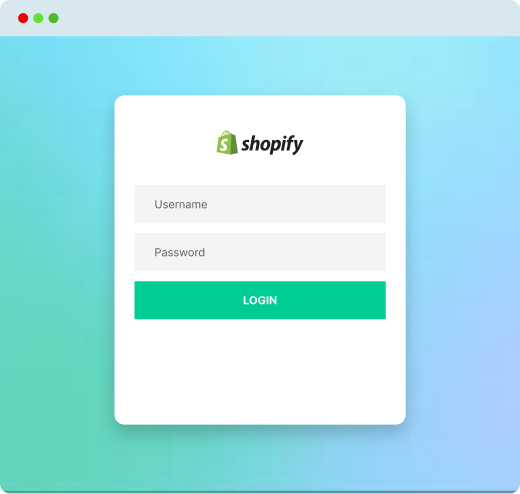
Sign in to your Shopify account.
Make sure you have admin rights to integrate third-party tools.
Have your UpsellGPT.ai login credentials ready.
Step 2
Install the UpsellGPT.ai App
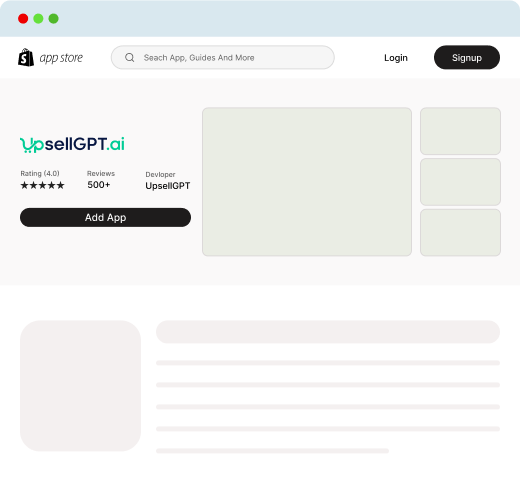
Go to the Shopify App Store
Search for "UpsellGPT.ai".
Click on the app and then click "Add app".
Follow the installation steps, granting any necessary permissions.
Step 3
Connect UpsellGPT.ai to Shopify
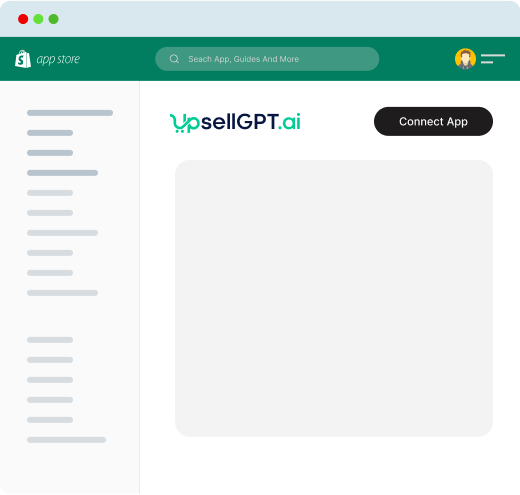
Once the UpsellGPT.ai app/widget is installed, open it from your Shopify dashboard.
Look for an option labeled "Connect" or "Integrate with Shopify".
You may be prompted to enter your Shopify store URL. Do so.
Grant any permissions or access requests that appear.
Step 4
Configure Chat Settings
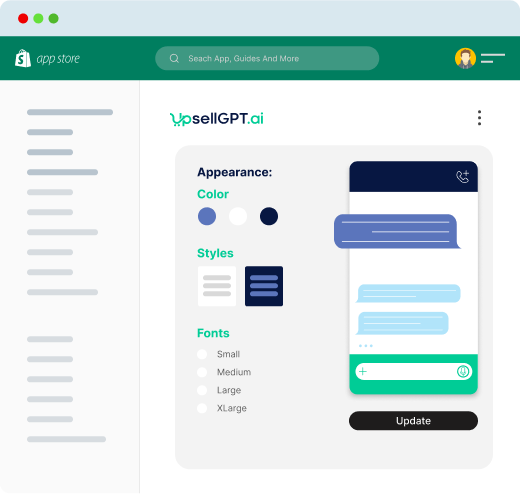
Set up the chatbot's appearance: Choose colors, styles, and positioning to match your store's branding.
Set up the chatbot's appearance: Choose colors, styles, and positioning to match your store's branding.
Step 5
Train the Bot
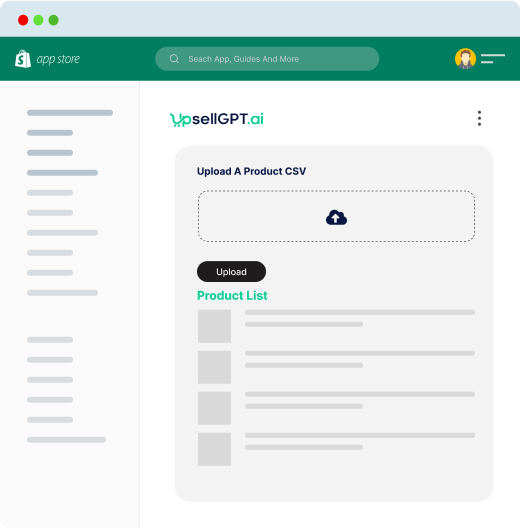
Introduce your product list to UpsellGPT.ai: Upload a product CSV or link to your product database.
Set up frequently asked questions (FAQs) and pre-defined responses.
Use UpsellGPT.ai's dashboard to run test queries and refine the bot's understanding of your products and services.
Step 6
Set Up Upselling Strategies
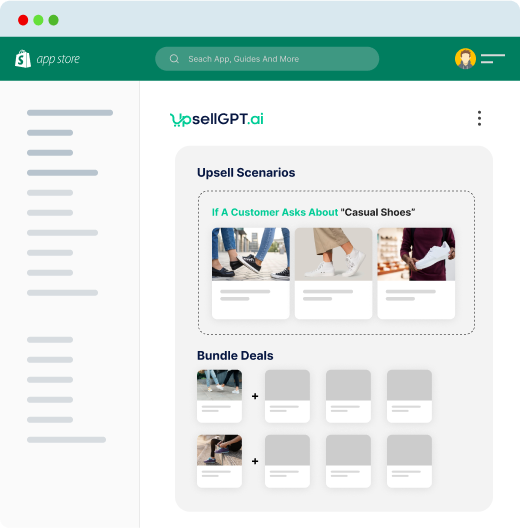
Define cross-sell and upsell scenarios. For example, if a customer asks about "casual shoes," the bot can recommend matching "casual socks" as an add-on.
Determine discount or bundle strategies: If a customer adds multiple products to the cart, the bot can suggest bundle deals.
Step 7
Monitor and Analytics
Ensure UpsellGPT.ai analytics are enabled.
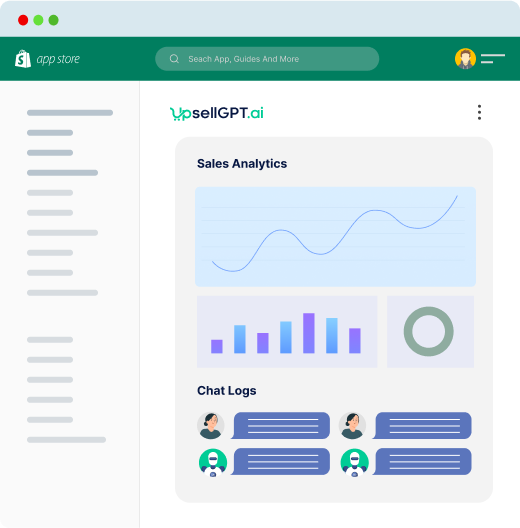
Regularly review chat logs to understand customer queries and refine the bot's responses.
Monitor sales metrics to gauge the bot's upselling effectiveness.
Step 8
Launch
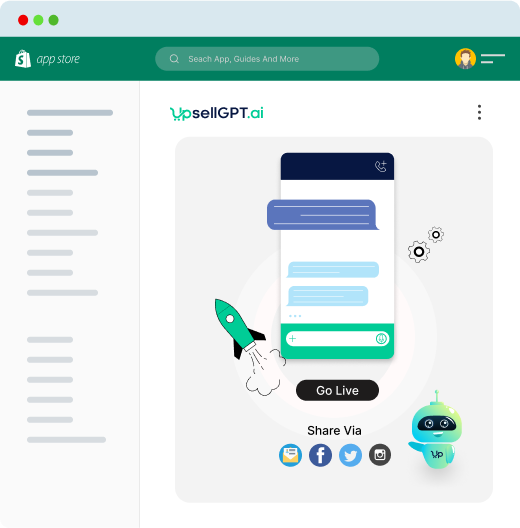
Once everything is set up and tested, go live!
Announce the new AI chat assistant to your customers via newsletters, social media, or a banner on your website.
Step 9
Regular Maintenance
Regular Maintenance
Regularly review analytics to make iterative improvements.
Encourage customer feedback on their chat experience to further refine the chatbot's effectiveness.